Assign Roles and Role Levels to Users
Before assigning Roles and Role Levels to users, make sure you have created them by following the instructions here.
Once the Roles and Role Levels are created, follow the steps below to assign them to users:
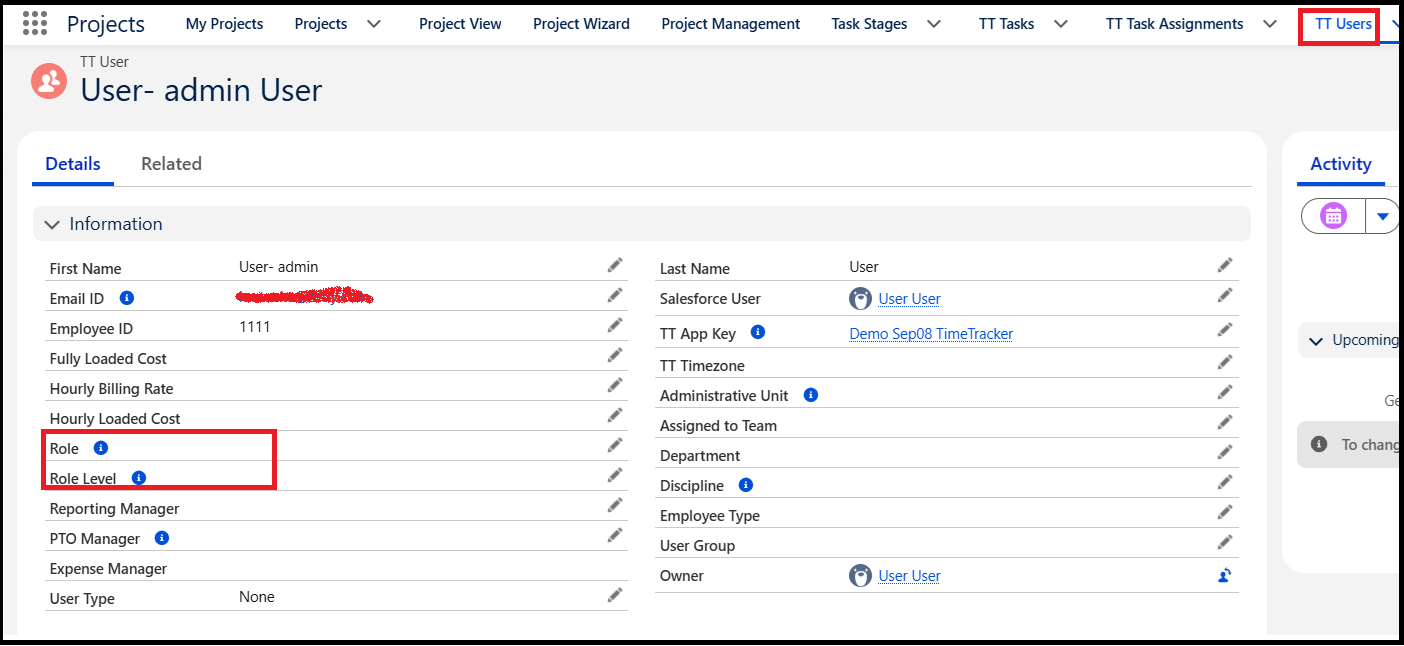
- Go to the TT Users tab.
- Search for the required user in the users list and click the User Name.
- On the User Details page, locate the Role and Role Level fields.
- Select the appropriate Role and Role Level for the user.
- Click Save to save the changes.